
How To
How to Allocate More Ram to Minecraft

- January 27, 2021
- Updated: July 2, 2025 at 4:14 AM
Minecraft has been bringing joy to family and friends since 2009, breaking into PC screens first before moving to consoles and finally mobile devices with the Pocket Edition. Who would have thought that destroying blocks just to reorganize them elsewhere could be so much fun?
The primary issue with computer gaming is that you sometimes need to allocate the correct amount of memory for the title to function properly. Today, we’re going to show you how to do that with Minecraft.
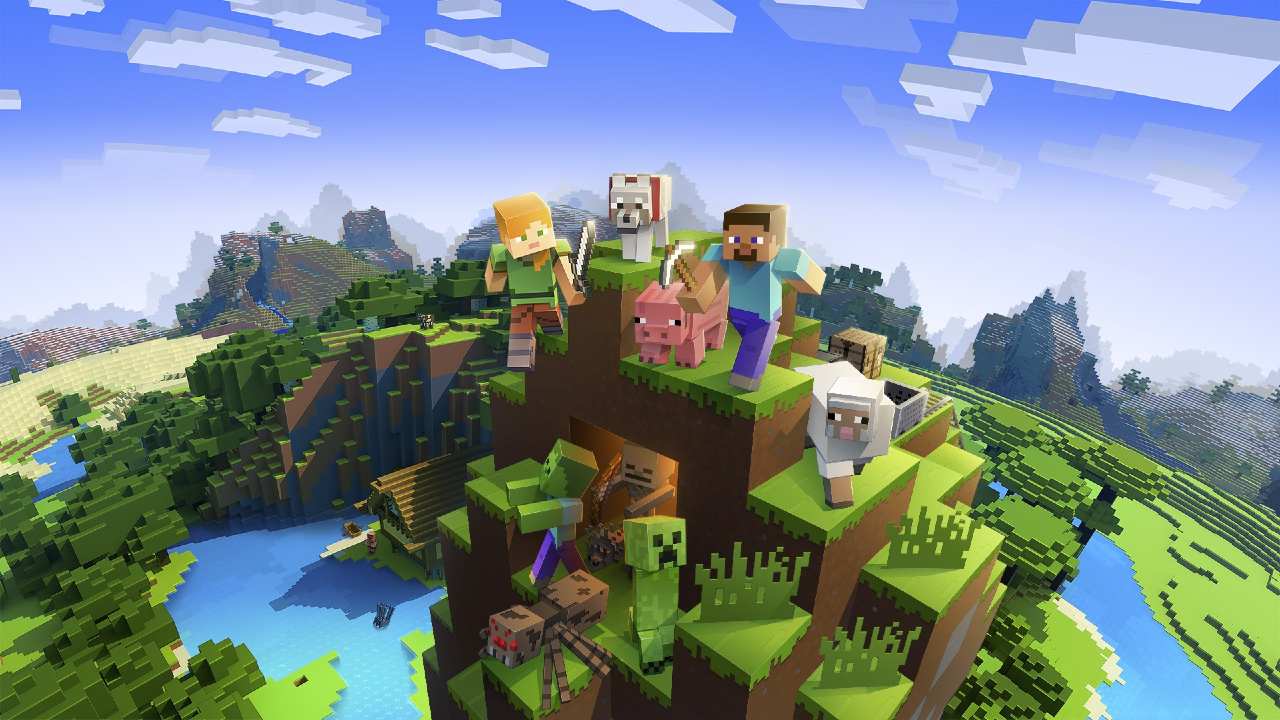
How much memory should you allocate to Minecraft?
Depending on how much effort you’re going to put into this casual sandbox game, there are different RAM allocations you can try. For instance, starting out and playing randomly will need at least 2GB of memory. If you’re going to be building more advanced features or playing online with friends, you’ll need between 4GB and 6GB.
Allocating more RAM to Minecraft
Your computer won’t automatically assign the right amount of memory to Minecraft. In order to adjust the settings, you’ll need to access the game launcher you use to start the game. Here’s a look at the top three Minecraft launchers and how you can allocate more RAM through them.
Premium Launcher
The Premium Launcher is the default Minecraft launcher you’ll receive with the vanilla game when you purchase it for Windows. To allocate more memory, you’ll need to follow these steps:
- Open the launcher;
- Select Launcher options before proceeding;
- Enable the Advanced settings;
- Choose the version you want to change;
- Enable the JVM Arguments;
- Exchange “-Xmx1G” with the amount of ram need;
- Save your settings.
Other launchers
Of course, there are other launchers you can use for optimized settings and mods. Both TLauncher and ATLauncher provide the ability to allocate more RAM to Minecraft. While you may need to head into preferences or tools, you can change the memory assignment using either one of them in the same way.
Get your craft on
Playing Minecraft is one of the most enjoyable experiences for any sandbox casual gamer, whether your a teenager or an adult. There are so many items you can craft, so be sure to check out our Minecraft guide for the latest tips.
Latest from Shaun M Jooste
You may also like
 News
NewsThe Helldivers movie has a director who is known for being fast and furious
Read more
 News
NewsBatman’s most stubborn villain receives the first trailer for his imminent movie
Read more
 News
NewsWarner Bros. sets a release date for the sequel to La Llorona and the anticipated spin-off of Weapons
Read more
 News
NewsDune: part three shows its first images
Read more
 News
NewsThe first trailer for the new installment of the Evil Dead franchise is presented during CinemaCon
Read more
 News
NewsMastering the New Google Workspace: 5 Gemini AI Tricks You Didn’t Know You Could Do
Read more